Best Split Ergonomic Keyboards UK (2026 Guide)
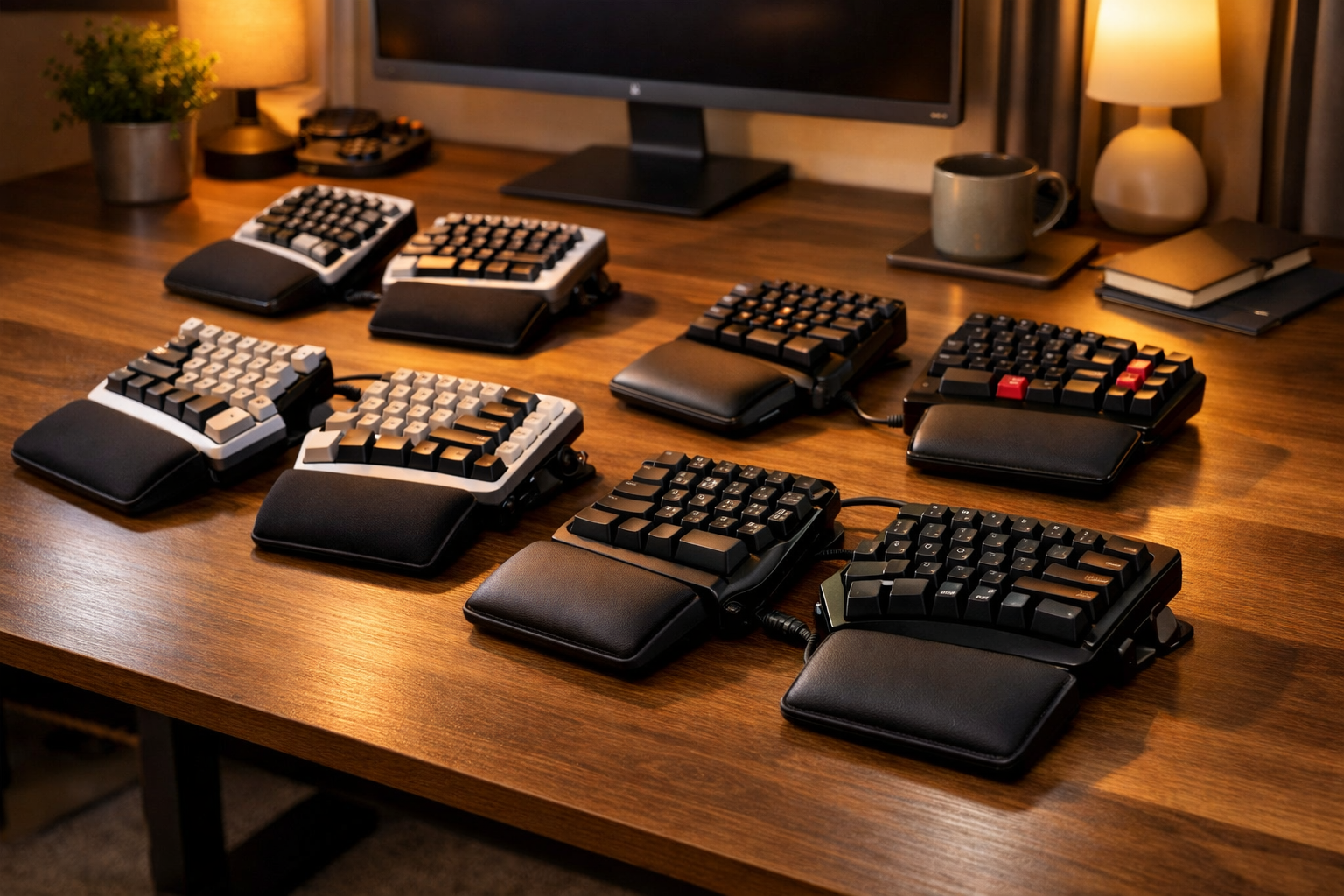
Split ergonomic keyboards are designed to reduce wrist strain, improve posture and support natural arm positioning. This guide compares the UK’s top‑selling split keyboards for 2026 — ideal for programmers, writers and anyone who types for long hours.
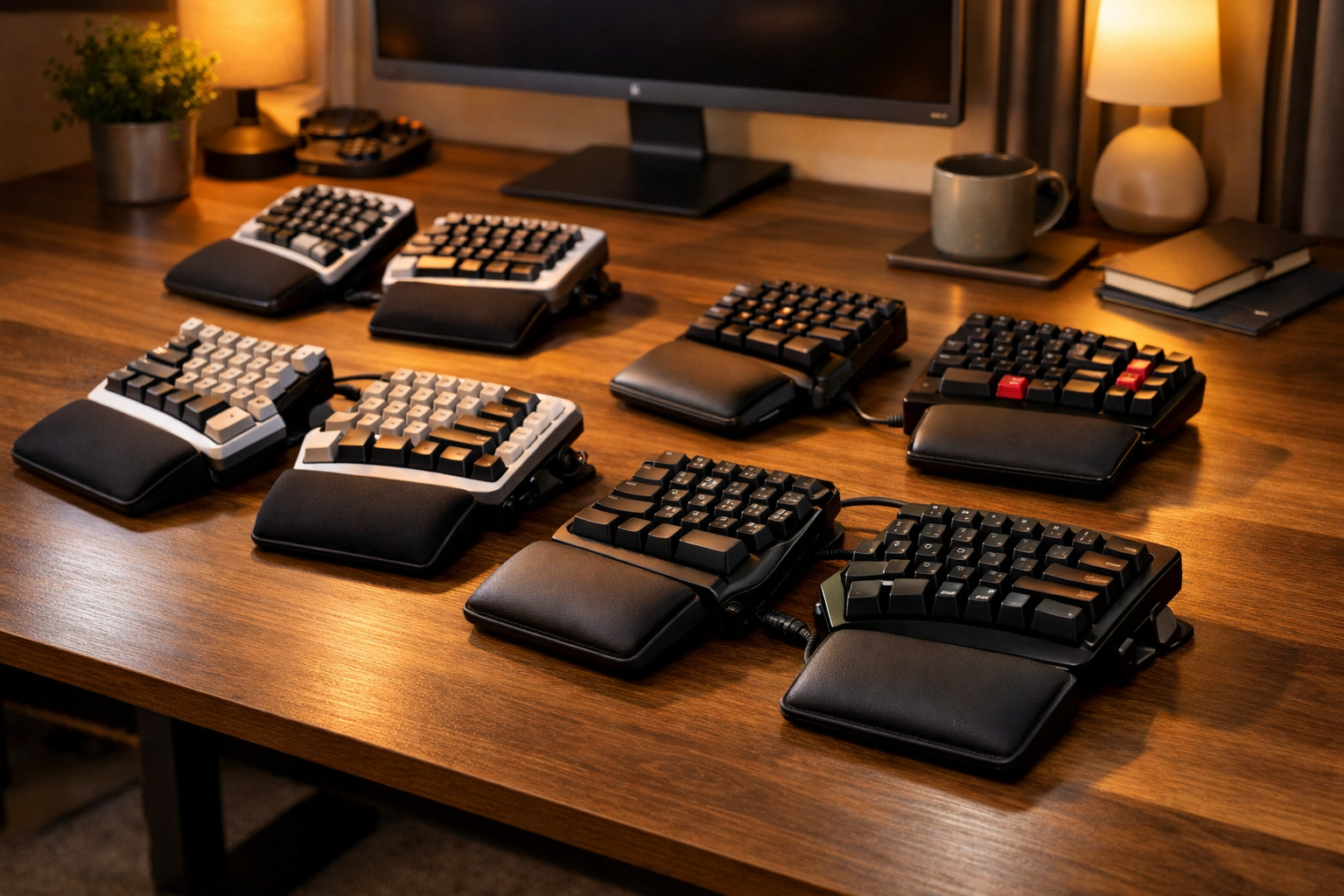
Why split ergonomic keyboards matter
Traditional keyboards force your wrists inward, creating ulnar deviation — a major cause of wrist pain and repetitive strain injuries (RSI). Split ergonomic keyboards solve this by separating the left and right halves, allowing your arms to rest naturally at shoulder width.
Benefits include:
- Reduced wrist bending thanks to natural hand positioning
- Better shoulder alignment due to wider spacing
- Less forearm pronation when tenting is used
- Lower strain on tendons from low‑force keys
- Improved long‑term comfort for daily typing
Below we compare the top‑selling split ergonomic keyboards available on Prime, ordered by popularity and comfort performance.
Comparison Table: Best Split Ergonomic Keyboards UK (2026)
| Model | Layout | Main Features | Pros | Cons |
|---|---|---|---|---|
| Kinesis Freestyle2 Split Keyboard | Fully Split | Adjustable separation, low‑force keys, tenting options | Highly customisable, excellent for RSI | No wrist rest included |
| ErgoDox EZ Mechanical Split Keyboard | Fully Split / Mechanical | Hot‑swappable switches, programmable layout, tenting kit | Ultimate customisation, premium build | Expensive, steep learning curve |
| ZSA Moonlander Mark I Split Keyboard | Fully Split / Adjustable | Foldable design, USB‑C, integrated palm rests | Portable, highly ergonomic | High price point |
| Matias Ergo Pro Split Keyboard | Split / Mechanical | Tactile quiet switches, detachable palm supports | Great key feel, solid build | Bulky for small desks |
| Perixx PERIBOARD‑612 Wireless Ergonomic Keyboard | Split / Wireless | Integrated wrist rest, quiet keys, Bluetooth | Affordable, comfortable | Limited tenting adjustment |
Best split ergonomic keyboards UK 2026 – full reviews
1. Kinesis Freestyle2 – Best Overall Split Keyboard
The Kinesis Freestyle2 is the most popular split ergonomic keyboard in the UK thanks to its fully adjustable design. Each half can be positioned independently, allowing you to match your natural shoulder width and typing posture.
Optional tenting accessories raise the inner edges of the keyboard, reducing forearm rotation — a major ergonomic win for people with wrist or elbow pain.
Affiliate link: Check Kinesis Freestyle2 on Amazon
2. ErgoDox EZ – Best Mechanical Split Keyboard
The ErgoDox EZ is a favourite among programmers and power users. Its mechanical switches are hot‑swappable, meaning you can customise the feel of every key. The fully programmable layout lets you create macros, shortcuts and layers tailored to your workflow.
It’s expensive, but unmatched for customisation and long‑term comfort.
Affiliate link: View ErgoDox EZ on Amazon
3. ZSA Moonlander Mark I – Best for Portability
The ZSA Moonlander folds neatly for travel while maintaining full ergonomic adjustability. Integrated palm rests, USB‑C connectivity and adjustable thumb clusters make it one of the most advanced split keyboards available.
Affiliate link: See ZSA Moonlander on Amazon
4. Matias Ergo Pro – Best for Tactile Feedback
The Matias Ergo Pro uses quiet mechanical switches that offer satisfying tactile feedback without being loud. Detachable palm supports help reduce wrist strain, and the split layout encourages natural hand positioning.
Affiliate link: Check Matias Ergo Pro on Amazon
5. Perixx PERIBOARD‑612 – Best Budget Split Keyboard
The Perixx PERIBOARD‑612 is the most affordable split ergonomic keyboard that still delivers excellent comfort. Its integrated wrist rest and wireless connectivity make it ideal for home offices and hybrid workers.
Affiliate link: View Perixx PERIBOARD‑612 on Amazon
How to set up a split ergonomic keyboard correctly
- Position the halves shoulder‑width apart: this keeps wrists straight and reduces strain.
- Use tenting: raise the inner edges slightly to reduce forearm pronation.
- Keep elbows close to your body: avoid reaching forward.
- Use a wrist rest: support your palms, not your wrists.
- Adjust your chair height: forearms should be parallel to the desk.
Related ergonomic guides on Crown Product Reviews
FAQs – split ergonomic keyboards
Are split keyboards better for wrist pain?
Yes. They reduce wrist bending and allow natural arm positioning, which helps relieve strain.
How long does it take to adjust?
Most users adapt within 3–7 days. Fully split keyboards may take longer.
Do I need tenting?
Tenting reduces forearm rotation and is highly recommended for people with wrist or elbow pain.
Are mechanical split keyboards worth it?
Yes — they offer better key feel, durability and customisation, especially for programmers.
Can split keyboards help with RSI?
They can reduce strain on tendons and nerves, making them beneficial for RSI prevention and management.