Best Ergonomic Keyboards for Wrist Pain UK (2026 Guide)
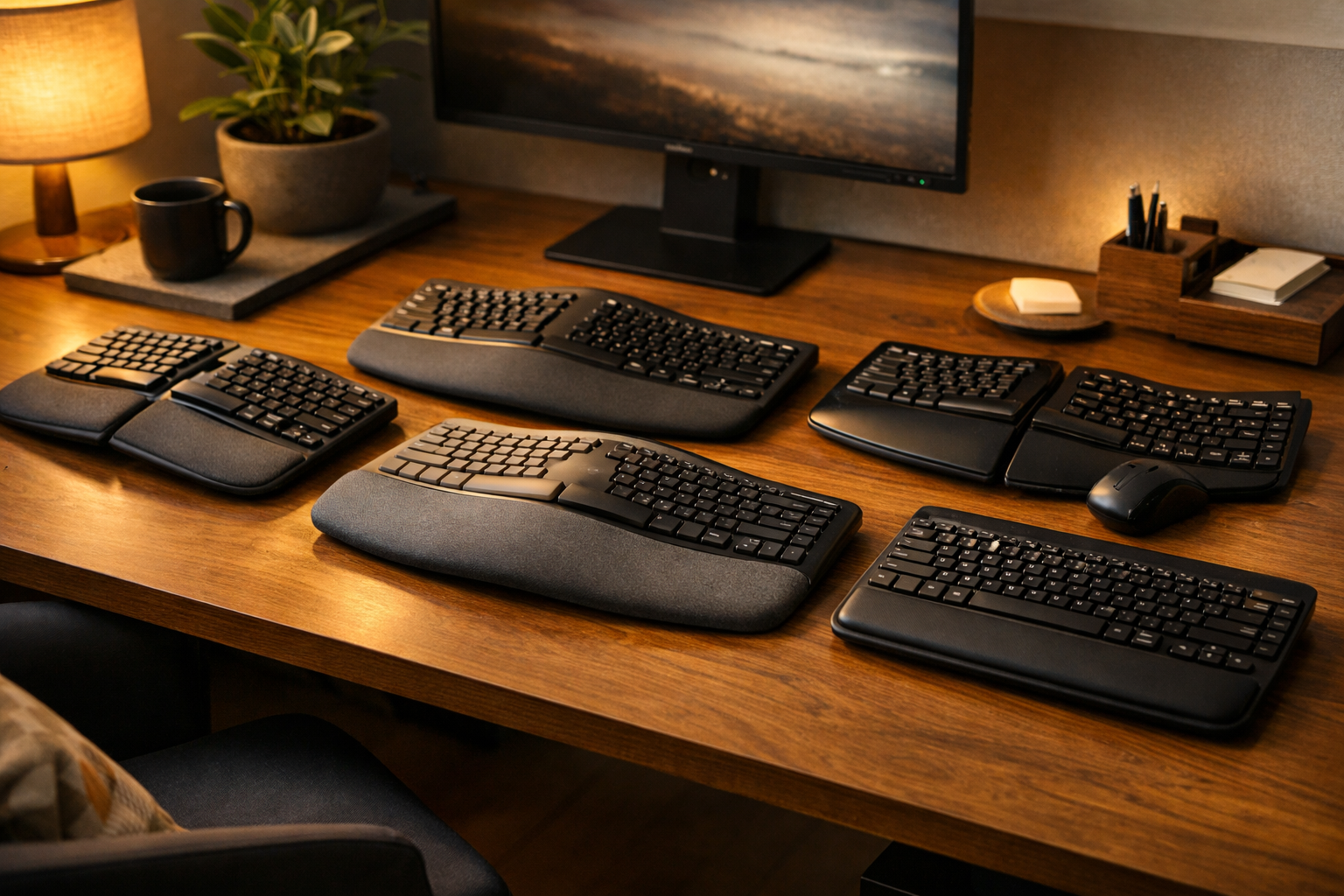
Struggling with wrist pain, RSI or long hours at the computer? This guide compares the best ergonomic keyboards in the UK designed specifically to reduce strain, improve posture and support healthier typing.
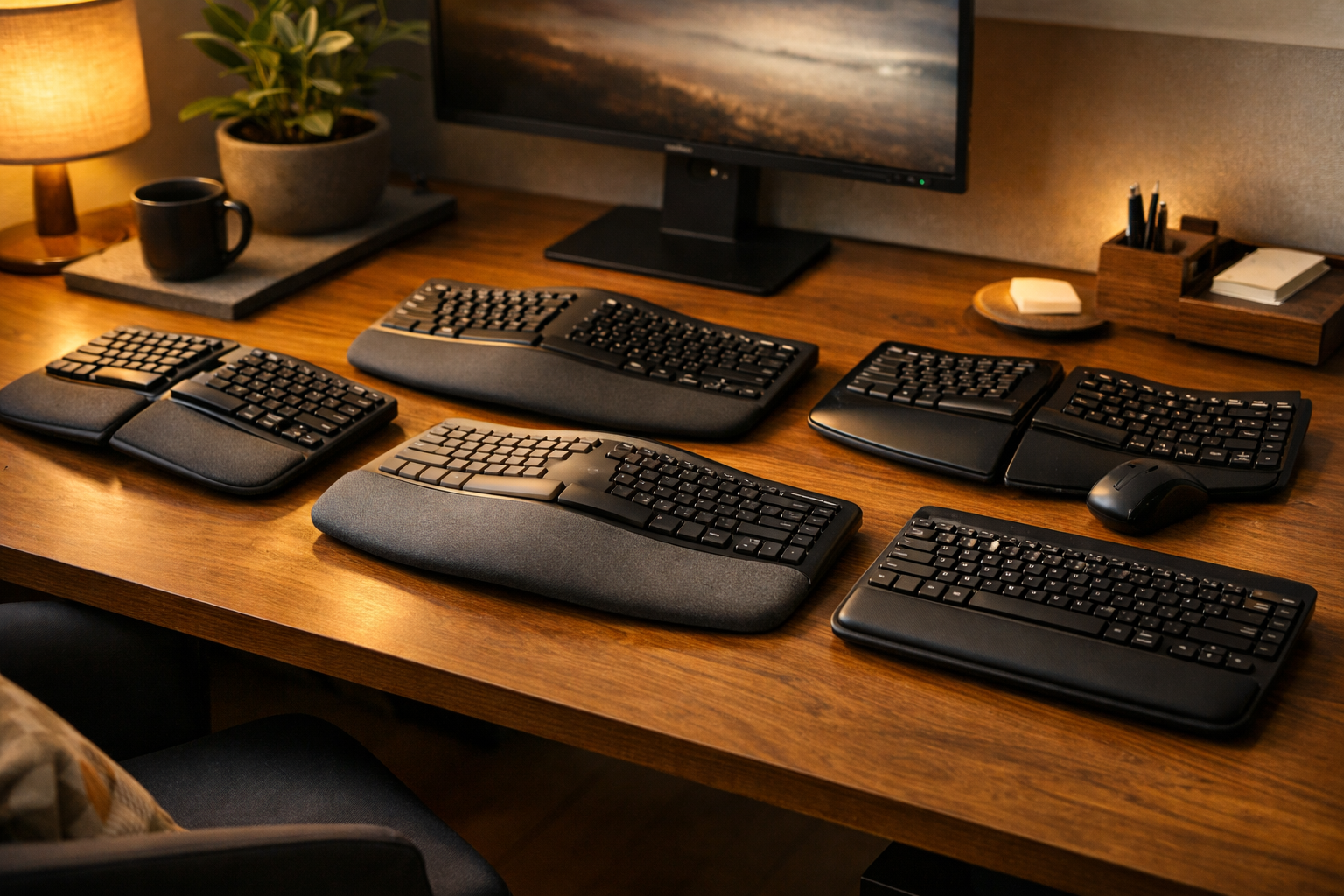
Why ergonomic keyboards help with wrist pain
Wrist pain is one of the most common complaints among office workers, programmers and anyone who types for long periods. Traditional keyboards force your wrists into an unnatural inward angle (ulnar deviation), which increases strain on tendons and nerves.
Ergonomic keyboards solve this by:
- Reducing wrist bending with split or curved layouts
- Keeping hands in a neutral position to reduce strain
- Providing cushioned wrist support to prevent pressure points
- Encouraging better posture through tenting and adjustable angles
Below we compare the top‑selling ergonomic keyboards available on Prime, chosen for comfort, build quality and real‑world pain‑relief performance.
Comparison Table: Best Ergonomic Keyboards for Wrist Pain (UK 2026)
| Model | Design | Main Features | Pros | Cons |
|---|---|---|---|---|
| Logitech ERGO K860 Ergonomic Keyboard | Split / Curved | Cushioned wrist rest, adjustable tilt, quiet keys | Excellent comfort, premium build, great for long hours | Higher price |
| Microsoft Sculpt Ergonomic Keyboard | Split / Domed | Domed shape, separate number pad, cushioned palm rest | Very comfortable, reduces wrist bend | Learning curve |
| Perixx PERIBOARD‑612 Wireless Ergonomic Keyboard | Split | Wireless, integrated wrist rest, quiet keys | Affordable, comfortable, great value | Plastic feel |
| Kinesis Freestyle2 Split Keyboard | Fully Split | Adjustable separation, low‑force keys, tenting options | Highly customisable, excellent for RSI | No wrist rest included |
| Logitech Wave Keys Wireless Ergonomic Keyboard | Curved | Wave design, cushioned palm rest, wireless | Easy transition from standard keyboards | Not fully split |
Best ergonomic keyboards for wrist pain – full reviews
1. Logitech ERGO K860 – best overall ergonomic keyboard for wrist pain
The Logitech ERGO K860 is widely considered the gold standard for wrist‑friendly typing. Its split, curved layout keeps your hands in a natural position, while the thick cushioned wrist rest reduces pressure on tendons.
The adjustable tilt lets you raise the front of the keyboard — a key ergonomic feature that reduces wrist extension. It’s quiet, comfortable and ideal for long workdays.
Affiliate link: Check Logitech ERGO K860 on Amazon
2. Microsoft Sculpt Ergonomic Keyboard – best for office comfort
The Microsoft Sculpt uses a domed shape that reduces wrist pronation, helping your hands rest in a more neutral position. The split layout and cushioned palm rest make it one of the most comfortable keyboards for everyday office use.
It has a learning curve, but once you adjust, it’s incredibly comfortable for long typing sessions.
Affiliate link: View Microsoft Sculpt on Amazon
3. Perixx PERIBOARD‑612 – best budget ergonomic keyboard
If you want ergonomic comfort without spending much, the Perixx PERIBOARD‑612 is a fantastic choice. It offers a split layout, integrated wrist rest and wireless connectivity at a budget‑friendly price.
It’s not as premium as Logitech or Microsoft models, but the comfort‑to‑price ratio is excellent.
Affiliate link: See Perixx PERIBOARD‑612 on Amazon
4. Kinesis Freestyle2 – best for RSI and customisation
The Kinesis Freestyle2 is a fully split keyboard, meaning you can position each half exactly where your shoulders and wrists feel most natural. This makes it ideal for people with RSI, shoulder tension or chronic wrist pain.
Add‑on tenting accessories allow you to angle the halves upward, reducing forearm rotation.
Affiliate link: Check Kinesis Freestyle2 on Amazon
5. Logitech Wave Keys – best easy‑transition ergonomic keyboard
The Logitech Wave Keys is perfect if you want ergonomic benefits without a steep learning curve. The wave‑shaped layout feels familiar, while the cushioned palm rest supports your wrists during long sessions.
It’s not fully split, but it’s extremely comfortable and great for beginners.
Affiliate link: View Logitech Wave Keys on Amazon
How to choose the best ergonomic keyboard for wrist pain
- Choose a split or curved layout: reduces wrist bending and strain.
- Look for a cushioned wrist rest: essential for comfort.
- Check adjustability: tenting and tilt options improve posture.
- Consider key feel: low‑force keys reduce finger fatigue.
- Match to your workflow: programmers may prefer fully split; office users may prefer curved.
Related ergonomic guides on Crown Product Reviews
FAQs – ergonomic keyboards for wrist pain
Do ergonomic keyboards really help with wrist pain?
Yes. Split and curved keyboards reduce wrist deviation and pressure on tendons, helping relieve pain and prevent RSI.
Are split keyboards better than curved keyboards?
Split keyboards offer more customisation, while curved keyboards are easier to adapt to. Both reduce wrist strain.
How long does it take to adjust to an ergonomic keyboard?
Most people adjust within 3–7 days. Fully split keyboards may take longer.
Do ergonomic keyboards help with carpal tunnel?
They can reduce strain on the median nerve, which may help with symptoms — but they are not a medical treatment.
Should I choose wireless or wired?
Wireless offers flexibility; wired offers reliability. Both are fine ergonomically.