Best Split Ergonomic Keyboards UK (2026 Review & Comparison)
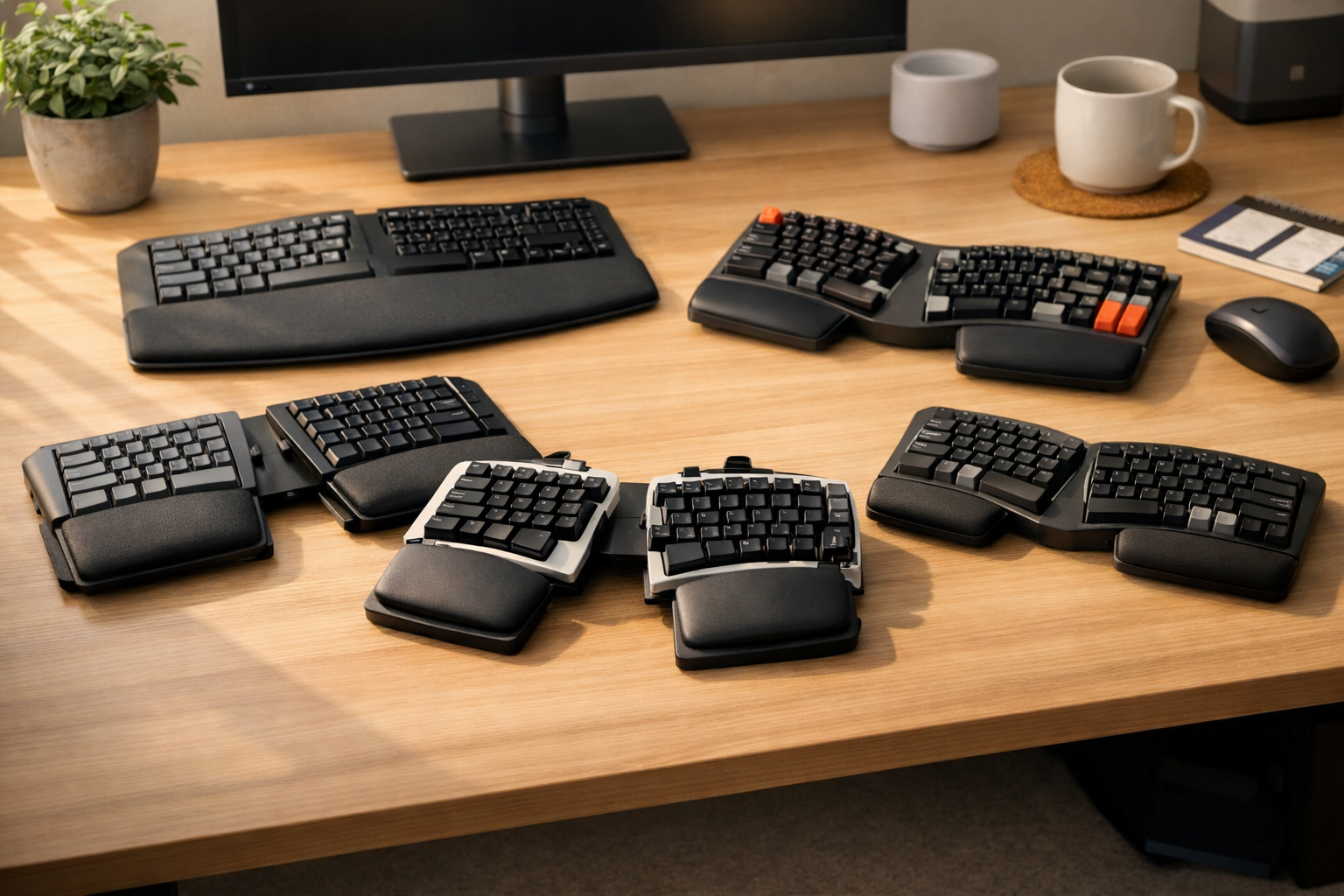
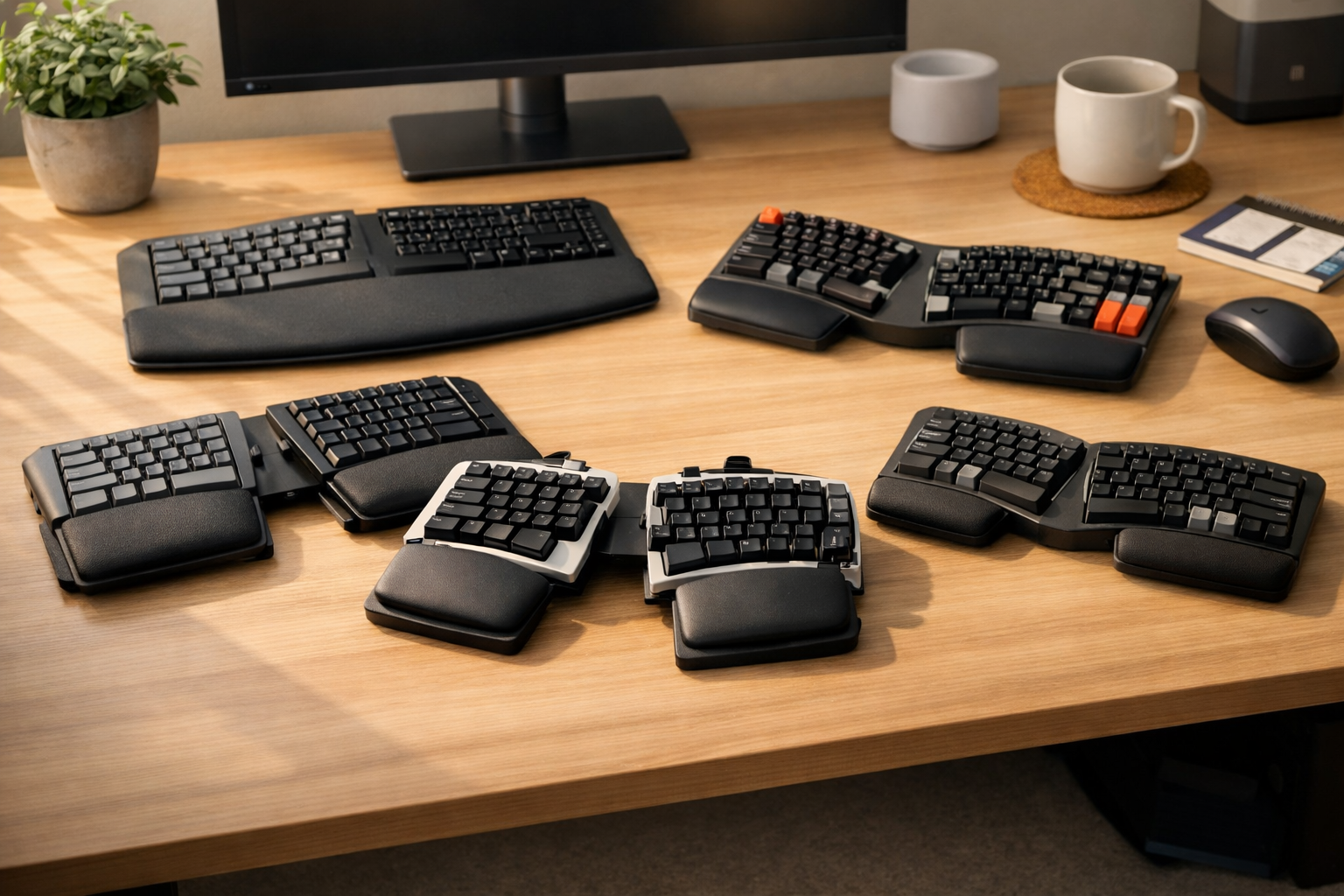
Split ergonomic keyboards have become one of the most effective ways to reduce wrist strain and improve posture for UK office workers, programmers, and remote professionals. By separating the keyboard halves, they allow your hands to rest naturally at shoulder width, eliminating the inward twist that causes pain and fatigue.
In this 2026 guide, we review the best split ergonomic keyboards available in the UK, explain how they help with wrist comfort, and show you which models offer the best value for money.
If you’re exploring ergonomic upgrades, see our hub on best ergonomic keyboards UK for a complete overview of the category.
Top Split Ergonomic Keyboards at a Glance
Below is a comparison of the most popular split ergonomic keyboards in 2026, including direct Amazon UK links (affiliate, nofollow + sponsored).
| Model | Main Features | Pros | Cons |
|---|---|---|---|
| Kinesis Freestyle2 for PC | Fully split design, optional tenting, lightweight | Highly adjustable, proven RSI relief, portable | Accessories cost extra, plain design |
| ZSA Moonlander Mark I | Fully split mechanical keyboard, tenting legs, hot-swappable switches | Premium build, infinite adjustability, programmable keys | Expensive, steep learning curve |
| Perixx Periboard-612 | Split layout, cushioned wrist rest, wireless | Affordable, comfortable, easy to adapt to | Basic build quality, light key feel |
| Keychron Q8 Alice Layout | Alice-style split curve, mechanical switches, aluminium body | Premium typing feel, ergonomic curve, hot-swappable | No wrist rest included, learning curve |
| Logitech ERGO K860 | Curved split layout, pillowed wrist rest, negative tilt | Excellent wrist support, quiet keys, natural typing angle | No mechanical option, large footprint |
1. Kinesis Freestyle2 — Best Overall Split Keyboard for Comfort
The Kinesis Freestyle2 remains the gold standard for split ergonomic keyboards in the UK. Each half can be positioned independently, allowing you to find the perfect angle for your shoulders and wrists. Add the VIP3 tenting kit to raise the centre and reduce forearm pronation.
Why it’s great:
- Fully split design for natural posture
- Lightweight and portable
- Optional tenting for advanced ergonomics
For a deeper dive into wrist-pain relief, see our dedicated guide: best ergonomic keyboards for wrist pain UK (2026 guide).
2. ZSA Moonlander Mark I — Best Premium Split Mechanical Keyboard
The ZSA Moonlander Mark I is a fully split mechanical keyboard designed for serious typists and developers. It offers tenting legs, adjustable thumb clusters, and hot-swappable switches, making it one of the most customisable ergonomic keyboards ever built.
Why it’s great:
- Infinite adjustability
- Premium mechanical feel
- Programmable keys for productivity
3. Perixx Periboard-612 — Best Budget Split Keyboard
For those wanting ergonomic benefits without the premium price tag, the Perixx Periboard-612 offers a split layout, cushioned wrist rest, and wireless connectivity at under £60. It’s ideal for home offices and casual users.
Why it’s great:
- Affordable and reliable
- Comfortable wrist support
- Easy to adapt to
4. Keychron Q8 — Best Alice-Style Split Keyboard for Programmers
The Keychron Q8 brings the ergonomic “Alice” layout to mechanical keyboard enthusiasts. Its curved split design mimics a natural hand position while offering the tactile satisfaction of premium switches.
Why it’s great:
- Beautiful aluminium chassis
- Hot-swappable switches
- Excellent for long typing sessions
If you code for a living, you’ll also enjoy our specialist guide: best ergonomic keyboards for programmers UK (2026 guide).
5. Logitech ERGO K860 — Best Hybrid Split Keyboard for Office Use
While technically a curved split keyboard, the Logitech ERGO K860 deserves mention for its exceptional wrist comfort and build quality. It’s perfect for office workers who want ergonomic benefits without a steep learning curve.
Why it’s great:
- Curved split layout that feels natural
- Pillowed wrist rest for long sessions
- Negative tilt to reduce wrist extension
Check Logitech ERGO K860 on Amazon UK
How to Choose a Split Ergonomic Keyboard (UK 2026)
Choosing the right split ergonomic keyboard UK comes down to your typing style, desk setup, and how much adjustability you need. Here’s a simple, practical way to decide.
1. Decide How Much Split You Need
If you have mild wrist discomfort, a curved split like the ERGO K860 may be enough. If you have ongoing pain or RSI, a fully split keyboard like the Kinesis Freestyle2 or ZSA Moonlander gives you more control over angles and spacing.
2. Consider Tenting Options
Tenting raises the middle of the keyboard, reducing forearm pronation. This can significantly ease strain for people who type all day. If this sounds like you, look for models with tenting kits or built-in legs.
3. Think About Switch Type
Membrane keyboards are quieter and softer, ideal for shared offices. Mechanical keyboards offer more feedback and durability, which many programmers and writers prefer.
4. Check Compatibility and Layout
Most split ergonomic keyboards support Windows and macOS, but some advanced models require configuration software. Make sure the layout (ISO vs ANSI) matches your preference.
For a broader look at the category, our hub on split ergonomic keyboards and other ergonomic options is a great starting point.
FAQ: Split Ergonomic Keyboards
Are split ergonomic keyboards better than standard keyboards?
Yes, for many people. Split keyboards allow your hands to rest at shoulder width, reducing inward wrist twisting and helping to prevent strain.
Do split keyboards take long to get used to?
Most users adapt within a week. Fully split designs can feel strange at first, but the comfort benefits are worth the adjustment period.
Can split ergonomic keyboards help with wrist pain?
They can. By reducing ulnar deviation and allowing a more neutral posture, split keyboards often ease wrist discomfort, especially when combined with a good chair and monitor setup.
Are split keyboards good for programmers?
Yes. Many programmers use split or Alice-style keyboards to reduce strain during long coding sessions. If that’s you, the Keychron Q8 and ZSA Moonlander are excellent options.